 |
X9-Engine
A 3d game engineThe project started as a 3d fantasy roleplaying game and grew over time more and more flexible until it could be used to make (theoretically) any type of game. ---ERROR... JAVASCRIPT NOT WORKING---
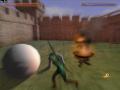
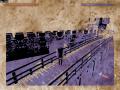
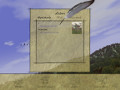
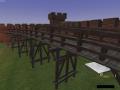
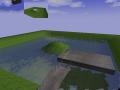


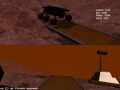
FeaturesGraphicsUses OpenGL. (previously also DirectX) Multiple cameras are supported, rendering directly onto the screen or into textures. This allows to the view to be used as textures for 3d objects, or to undergo post processing before showing on the screen. Capabilities:
SoundThanks to OpenAL ogg and wave files can be used as sound sources inside the 3d world. They can also be attached to 3d models showing a Doppler effect when moving relative to the camera. Files can also be used as background music (camera independent). Physics(still under construction) Collision detection of terrains (per triangle) and meshes (via editable 'physical skins' of polyeders and spheres). Objects transmit momentum and friction when colliding and can be connected by joints:
More details can be found here (German): wiki:Spielephysik mit Zwangsbedingungen (now, additionally, Open Dynamics Engine can be used) MaterialsModel properties, like color/interaction with light, transparencies, shader files and friction can be combined materials. This allows to edit a material once instead of having to edit all models using the same material. NetworkingWhen loading a game world, a network server is automatically started. Object positions are automatically synchronized. Additionally, clients and host can explicitly exchange messages. These messages are identified by name and delivered directly to handler functions in script files. ScriptsKaba scripts can be included in 3d worlds or attached to objects. This allows to define the behaviour of objects, game rules, the user interface and graphical effects, as well as everything else in the game. Because the scripts get compiled into the engine when loading, the execution speed is much higher than for interpreted languages. Models, particles, effects, cameras and GUI elements are exported as classes by the engine. Scripts can derive new classes from these basic ones, adding additional data to objects and changing behaviour by overriding functions: class Human extends Model
# some additional data
float life, magic
Model* clothes
override void on_collision(Model* other)
life -= 10
override void on_iterate(float dt)
# movement, animation, ...
Since con- and destructors of the basic classes handle registration in the engine, scripts can use new and del to create new objects dynamically, that are automatically managed by the engine (drawing, physics, etc.). |